Prerequisites
- OpsTunnel utilizes the Ngrok secure proxy tunnel to provide a secure and trusted external WebSocket channel.
- It supports temporary access to the BYOC environment for AutoMQ technical staff.
- Using OpsTunnel only requires allowing the AutoMQ environment console to access the secure Ngrok service.
Usage Process
Enable or Disable Ops Tunnel
To facilitate timely responses and resolution of potential issues by our technical support team, AutoMQ enables Ops Tunnel by default during standard deployment. This tunnel establishes a secure, encrypted connection, allowing authorized AutoMQ support engineers to access your BYOC environment for diagnostics and troubleshooting when necessary. While we recommend keeping this tunnel active to receive prompt support, you may need to temporarily or permanently disable this feature in certain scenarios. You can manually disable Ops Tunnel by following these steps:- Log in to the Console: Log in to the AutoMQ console with your environment administrator account.
- Navigate to Ops Tunnels: In the main menu, locate and open the “Ops Tunnels” management page.
- Close the Tunnel: On the Ops Tunnels detail page, find and click the “Close Tunnel” button. The system will prompt you for confirmation.
- Confirm Closure: In the confirmation dialog, click confirm to complete the closure process.
Important Note:Closing the Ops Tunnel will immediately terminate all active connections and reject any new connection requests. The Ops Tunnel can be re-enabled or temporarily enabled at any time, which does not affect existing service operations.
Inspecting Operation Audits
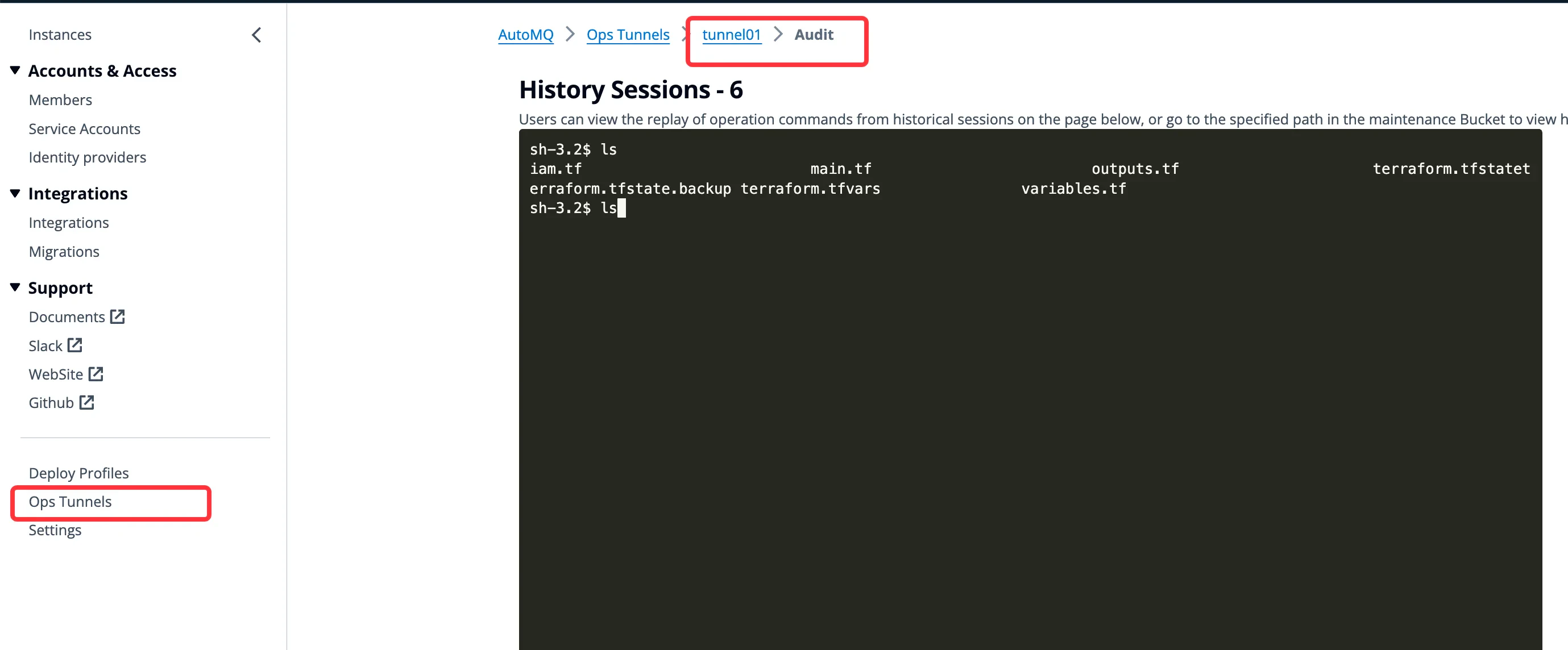
AutoMQ environment administrators can review historical sessions and operation logs of Ops Tunnel through the operation audit function.