- Kubernetes: Use the Datadog Agent Helm chart’s OTEL Agent Gateway to scrape Prometheus metrics from AutoMQ pods.
- Linux: Use a Gateway OTEL Collector or Datadog DDOT Collector on Linux to scrape AutoMQ Prometheus metrics endpoints and forward metrics to Datadog.
Prerequisites
- A running AutoMQ Cloud BYOC cluster. BYOC clusters expose the AutoMQ Prometheus metrics endpoint by default.
- A valid Datadog API Key
- Your Datadog Site URL (e.g.,
datadoghq.com,us3.datadoghq.com,datadoghq.eu)
Option 1: Kubernetes with Datadog Agent Gateway
In this approach, the Datadog Agent Helm chart runs a single OTEL Agent Gateway Deployment. The Gateway scrapes Prometheus metrics from AutoMQ pods using Kubernetes service discovery, reduces metric cardinality before ingest, then exports the metrics to Datadog.Step 1: Confirm AutoMQ metrics export
AutoMQ Cloud BYOC Kubernetes clusters created by the Console expose Prometheus metrics on the AutoMQ broker and controller pods by default. No AutoMQ Helm values changes are required in the standard BYOC flow.If you manage an AutoMQ Software deployment on Kubernetes and need to manually enable metrics export, see Appendix: Manually enable AutoMQ metrics export for Kubernetes Software.
Step 2: Create the Datadog Agent Gateway values file
Create adatadog-values.yaml file with the OTEL Agent Gateway configuration. The Gateway uses Kubernetes service discovery to find AutoMQ broker and controller pods.
Set <your-automq-namespace> to the Kubernetes namespace where your AutoMQ cluster runs. If you need to collect multiple AutoMQ namespaces with the same Datadog Agent, add each namespace to kubernetes_sd_configs.namespaces.names.
The same collection profile can be used for AutoMQ Software and AutoMQ Cloud BYOC/CMP clusters. The standard dashboards show cluster_id as the required cluster filter; this dashboard filter reads the Datadog service tag derived from AutoMQ’s Prometheus job label. The dashboards also include env_id and instance_id as optional filters when those labels are exposed by the AutoMQ metrics. The profile does not synthesize env_id or instance_id from Kubernetes metadata. If AutoMQ metrics already expose those labels, honor_labels: true preserves the AutoMQ-provided values.
We recommend scheduling the OTEL Agent Gateway on general-purpose nodes or dedicated observability nodes. It does not need to run on the same nodes as AutoMQ brokers or controllers. If your Kubernetes cluster requires custom Gateway scheduling, resource sizing, pod annotations, or pod labels, configure the corresponding Datadog Helm values such as
otelAgentGateway.nodeSelector, otelAgentGateway.affinity, otelAgentGateway.tolerations, otelAgentGateway.podAnnotations, otelAgentGateway.additionalLabels, and otelAgentGateway.containers.otelAgent.resources. For details, see the Datadog DDOT Collector Gateway Helm installation guide and the Datadog Helm chart values.yaml.
Standard dashboard collection profile
The recommended configuration is designed for the AutoMQ customer-facing Datadog dashboards. It keeps only the minimum dimensions needed by those dashboards:
The standard-minimal profile does not keep raw partition-level series, topic-by-broker traffic / offset / size series, broker/node-level drilldown for JVM, connection, request, latency, or traffic series,
consumer_group * topic * broker series, non-dashboard kafka_stream_* internal metrics, Kafka Linking metrics, or Detailed Metrics-only internal diagnostic dimensions.
This example is the recommended standard-minimal collection profile for AutoMQ customer-facing dashboards. It reduces Datadog custom metric volume and cardinality by collecting only the exact raw metrics required by the standard AutoMQ dashboards or rollup processor, converting request, traffic, topic, partition, and consumer group sources to lower-cardinality
automq_* rollups, and dropping the raw sources after the rollups are created. The standard-minimal profile keeps cluster, topic, consumer group, and rack dimensions, plus CPU and broker metadata, but it does not keep partition-level series, topic-by-broker series, broker/node-level drilldown series, or consumer-group/topic/broker series.This example includes a Prometheus scrape job and a metrics pipeline for AutoMQ. It also uses the optional
infraattributes processor to add Datadog infrastructure tags when the required resource attributes are available. The OTLP receiver and other pipelines (traces, logs) are omitted. If you need to collect OTLP data from other applications through the same Collector, refer to the Datadog OTEL Agent Gateway documentation to add the corresponding receivers and pipelines.Step 3: Deploy the Datadog Agent
Add the Datadog Helm repository and create a Kubernetes secret for your API key:<your-datadog-site> with your Datadog Site (e.g., datadoghq.com, us3.datadoghq.com, datadoghq.eu).
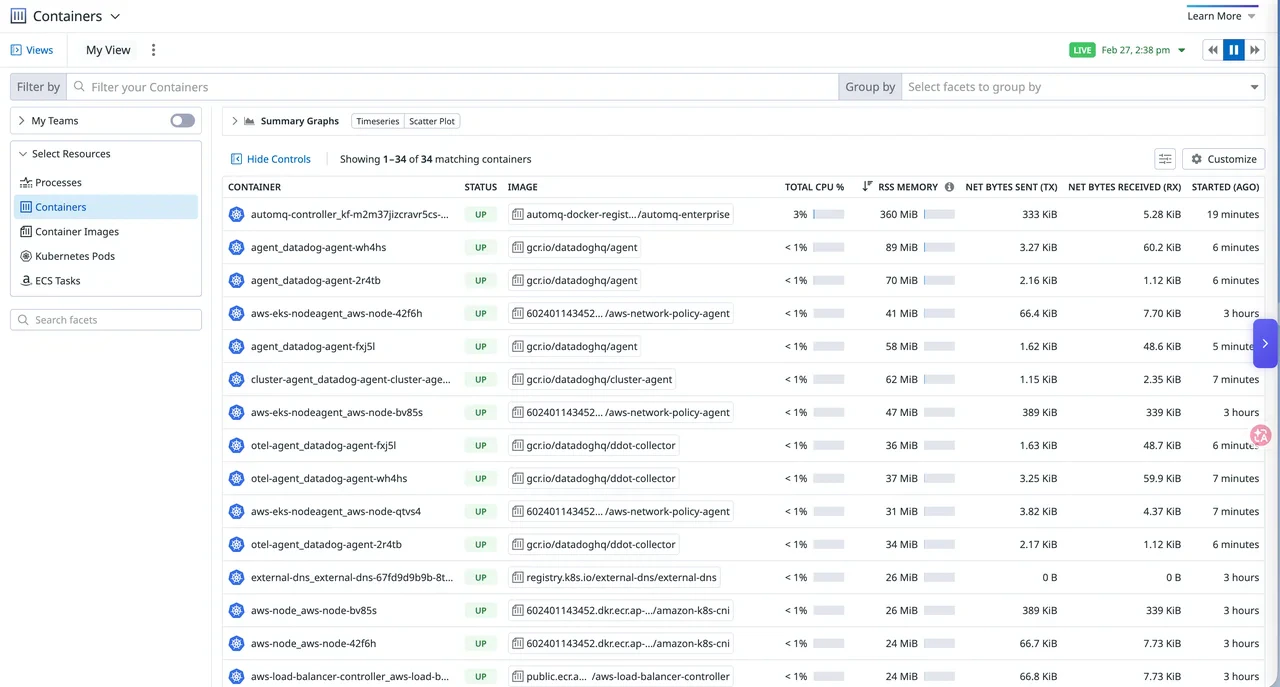
Step 4: Verify the integration
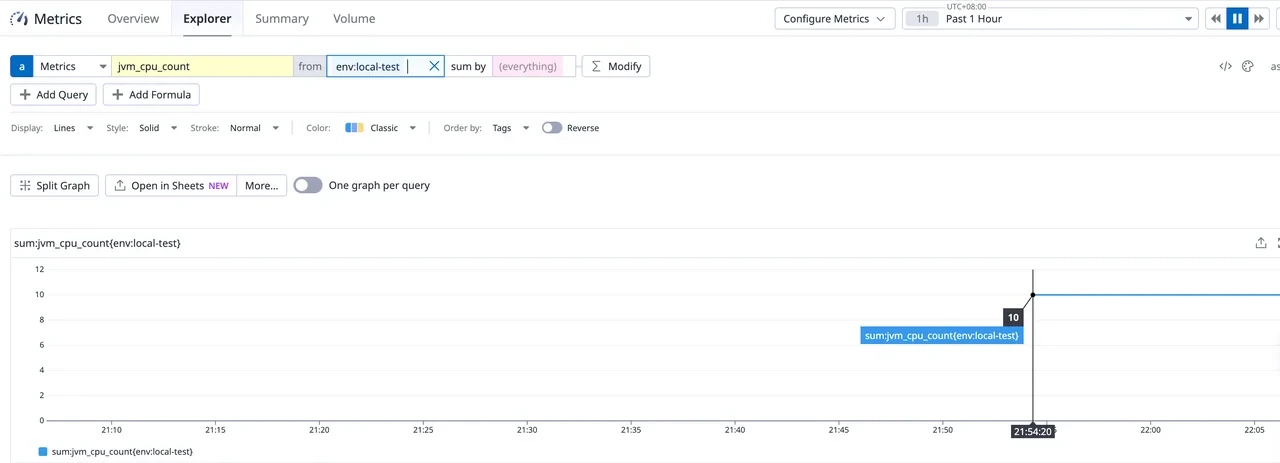
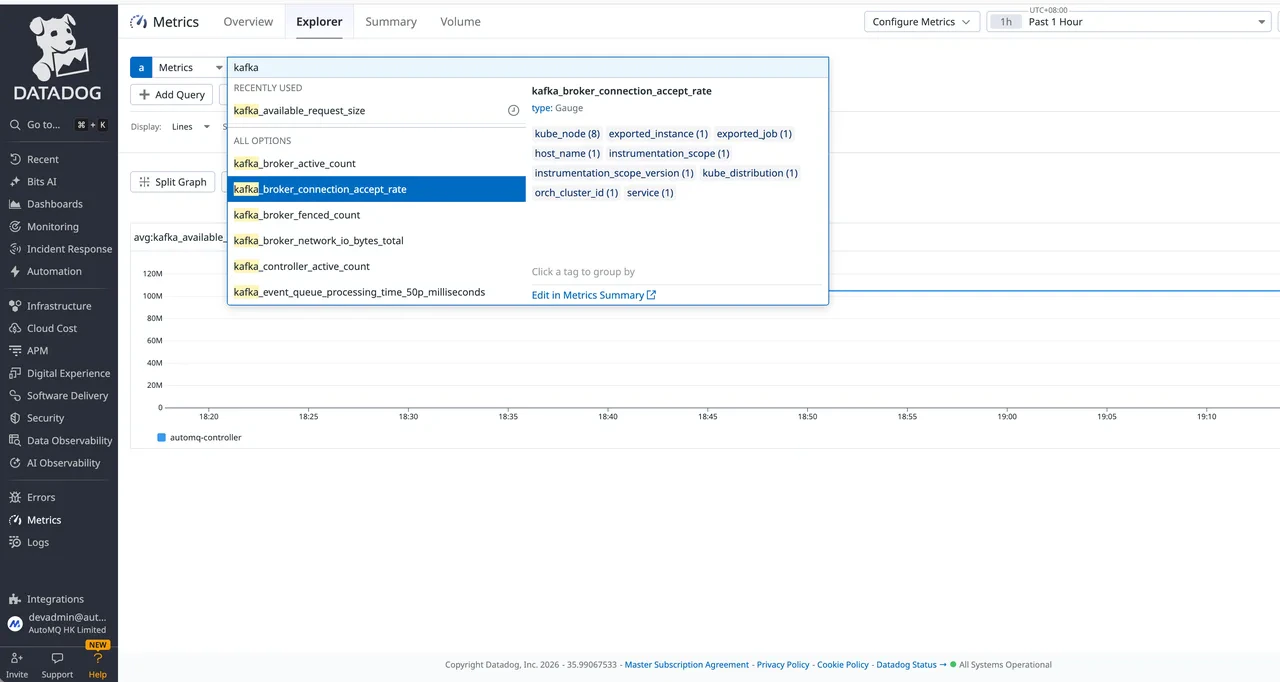
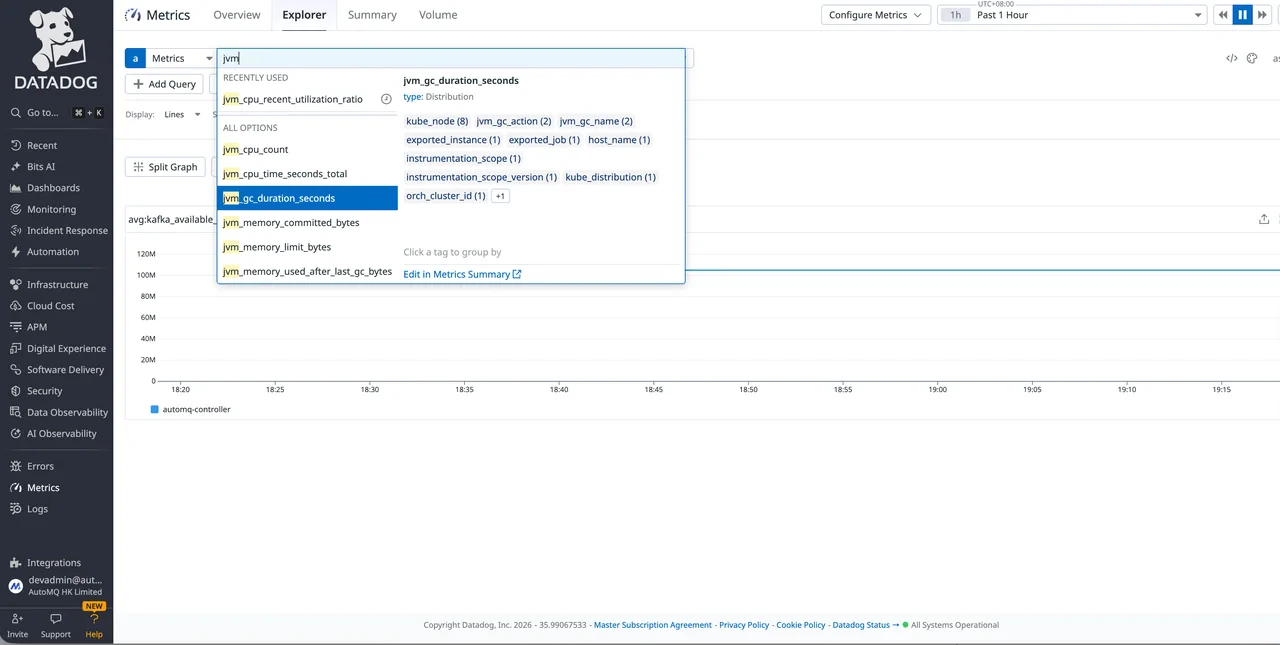
Verify that the Datadog Agent service account can discover pods:- Open Datadog and go to Metrics > Explorer.
- Search for AutoMQ metrics by typing a metric name prefix such as
kafka_broker_active_count. - Filter by
service:<your-cluster-id>to confirm that the metrics belong to the expected AutoMQ cluster. In the imported dashboards, the filter is still namedcluster_id, but it reads values from the Datadogservicetag. If your AutoMQ environment exposes nativeenv_idorinstance_idlabels, you can use them as additional filters. - New metrics may take 1–3 minutes to appear.
Step 5: Import AutoMQ Datadog dashboards
After AutoMQ metrics appear in Datadog, download the Datadog dashboard JSON templates and import them into your Datadog organization.
To import a dashboard, open Datadog, go to Dashboards, create or open a dashboard, choose the dashboard JSON import option, and paste or upload the downloaded JSON content.
These dashboard templates are designed for the metric names, tags, and collection reduction profile shown in Step 2. Cluster, Topic, and Group views use the
automq_* rollup metrics created by the OTEL transform processor. The standard dashboards show cluster_id as the required filter, mapped to the Datadog service tag, and expose env_id and instance_id as optional filters when those labels are present. The AutoMQ Version value should be discovered from the node metadata gauges (kafka_node_metadata, kafka_node_info, or kafka_node) and rendered by the dashboard generation/import workflow. Do not derive it from the Helm Chart/App version label because that label can differ from the runtime image version.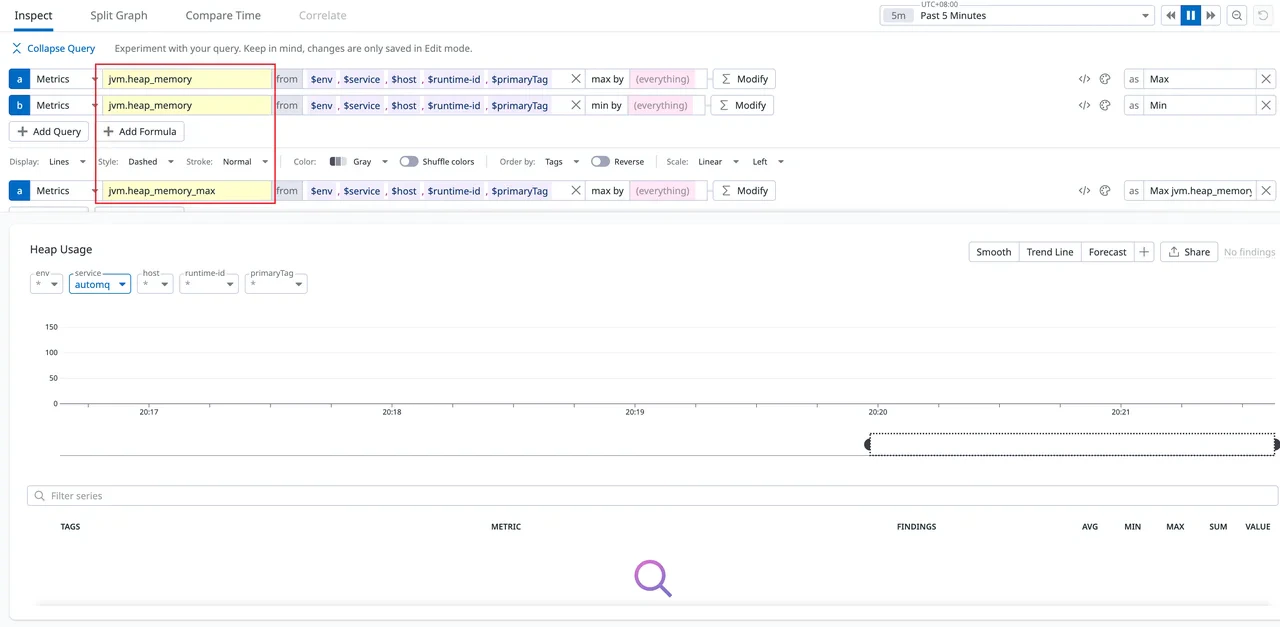
Option 2: Linux with Gateway OTEL Collector
In this approach, one OTEL Collector or Datadog DDOT Collector runs as a Gateway on Linux and scrapes all AutoMQ Prometheus metrics endpoints with static targets. Use the same standard-minimal metric reduction profile as the Kubernetes approach. The Linux-specific difference is service discovery: use a static target list instead of Kubernetes service discovery.Step 1: Confirm AutoMQ metrics export
AutoMQ Cloud BYOC clusters expose the Prometheus metrics endpoint by default. No
server.properties changes are required in the standard BYOC flow.Step 2: Install the Collector
Choose one Collector distribution and keep the configuration path and lifecycle commands aligned with that choice.- Datadog DDOT Collector
- Upstream otelcol-contrib
Install the Datadog Agent with the embedded DDOT Collector. The official Linux install flow manages the Collector through If the Datadog Agent is already installed, follow the Datadog DDOT Collector documentation for the matching Agent version.
datadog-agent and uses /etc/datadog-agent/otel-config.yaml as the OpenTelemetry Collector configuration file.Step 3: Configure the Collector
Create the Collector configuration file. The following configuration is the Linux version of the standard-minimal profile: it uses static Prometheus scrape targets, keeps only the raw metrics needed by the standard dashboards or rollup processor, creates lower-cardinalityautomq_* rollup metrics, and drops the raw source metrics after the rollups are created.
Run this configuration once per AutoMQ cluster from a Collector host that can reach every AutoMQ metrics endpoint. Do not deploy the same profile on every AutoMQ node with only 127.0.0.1:9090 as the target, because local collectors would roll up counters independently before exporting to Datadog.
Use the configuration path for your selected Collector:
- Datadog DDOT Collector:
/etc/datadog-agent/otel-config.yaml - Upstream otelcol-contrib:
/etc/otelcol/config.yaml
With
honor_labels: true, if the scraped AutoMQ endpoint already exposes a Prometheus job label, that target-provided value is preserved and job_name is not used for that label. Standard AutoMQ metrics normally expose job as the cluster identifier, and Datadog maps that label to the service tag used by the dashboard cluster_id filter. If the endpoint does not expose job, job_name becomes the fallback value. The static env_id and instance_id labels are optional; set them only when you want those Datadog dashboard filters to have values for this Linux collection path.This Gateway profile performs rollups in the Collector to reduce Datadog custom metrics cardinality. It is not equivalent to a Prometheus recording rule and cannot express
max by (..., partition) across scrape targets followed by sum by (...). If you need strict deduplication when the same partition gauge is temporarily exposed by multiple AutoMQ nodes during partition migration, add a Prometheus recording-rule / federation layer before Datadog, or keep the partition dimension and handle it explicitly in Datadog queries.Step 4: Start the Collector
- Datadog DDOT Collector
- Upstream otelcol-contrib
Restart the Datadog Agent and verify the embedded Collector status:
Step 5: Verify
Open Datadog Metrics > Explorer, search for AutoMQ metrics such askafka_broker_active_count, and filter by service:<expected-cluster-id>. In the imported dashboards, the filter is still named cluster_id, but it reads values from the Datadog service tag. If the expected service value does not appear, check one AutoMQ /metrics endpoint and confirm the actual job label because honor_labels: true preserves the target-provided job value. If your AutoMQ environment exposes native env_id, instance_id, or broker_id labels, you can use them as additional filters. New metrics may take 1–3 minutes to appear.